How Restaurants Reduce No-Shows by 60% Using Automated Reminders
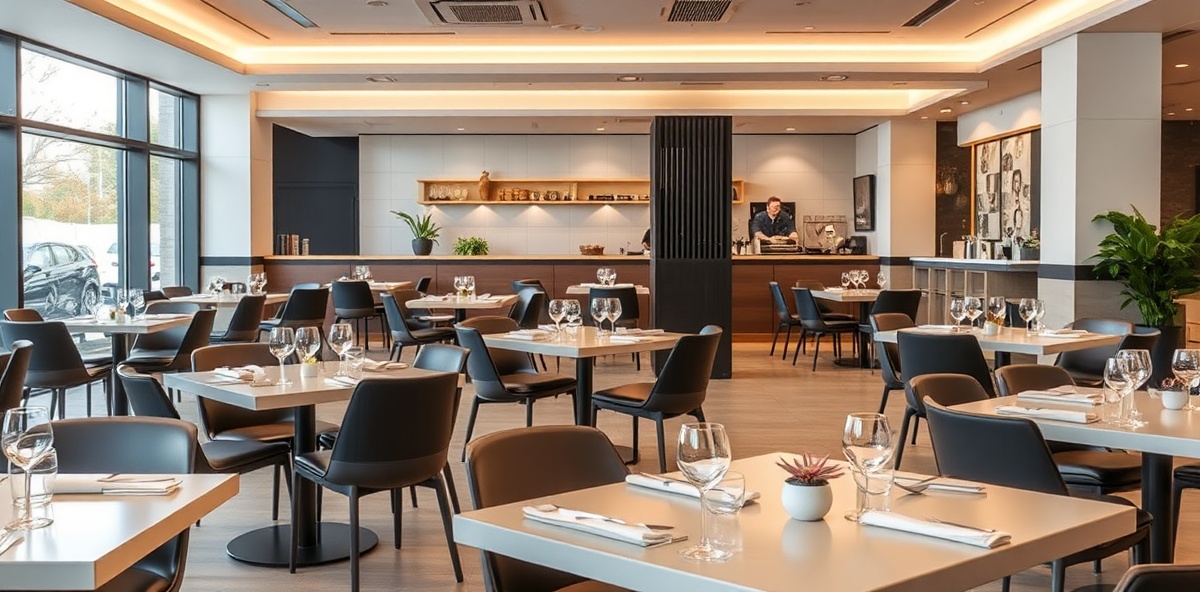
It's 8:30 PM on Friday. Your restaurant is full... except for three reserved tables that remain empty. You called the clients, but nobody answers. Those three tables represent $450 in lost revenue tonight. And this happens 2-3 times per week.
No-shows are one of the most costly and frustrating problems in the restaurant industry. But there's a simple solution that's reducing no-shows by 60% or more: smart automated reminders.
The Real Cost of No-Shows
When a client doesn't show up for their reservation, you don't just lose the revenue from that table. The real cost is much greater:
Average Cost of a No-Show (Table of 4):
- • Lost table revenue: $120-$200
- • Rejected clients who wanted that table: $120-$200
- • Wasted prepared food: $20-$40
- • Idle staff waiting: $15-$25
- Total cost per no-show: $275-$465
If you have 8-12 no-shows monthly (average for mid-size restaurants), you're losing $2,200-$5,580 every month. That's $26,400-$66,960 annually in revenue that simply disappears.
Why Clients Don't Show Up
Before solving the problem, you need to understand why it happens:
1. They Simply Forget (65% of cases)
Most no-shows aren't intentional. The client made the reservation a week ago, their life is busy, and they simply forgot. It's not malice — it's human nature.
2. Change of Plans (25% of cases)
Something unexpected came up, they changed their mind, or decided to go somewhere else. They intended to cancel, but forgot or felt embarrassed to call.
3. Multiple Reservations (10% of cases)
Some clients make reservations at 2-3 restaurants and decide on the day of the event. They don't cancel the ones they won't use.
The Solution: Automated Reminder System
A well-designed automated reminder system solves 90% of these problems. Here's how to implement it:
Reminder #1: Immediate Confirmation
When: Immediately after making the reservation
What to send: SMS or email confirming date, time, number of people, and a link to cancel if needed.
"Thank you for your reservation at Casa del Sazón! We look forward to seeing you Friday, January 17th at 8:00 PM for 4 people. If you need to cancel or modify, click here: [link]"
Reminder #2: 24-Hour Reminder
When: 24 hours before the reservation
What to send: Friendly reminder with option to confirm or cancel.
"Hi Maria! Just a reminder about your reservation tomorrow Friday at 8:00 PM for 4 people. See you tomorrow? Reply YES to confirm or CANCEL if you need to change plans."
Reminder #3: 2-Hour Reminder
When: 2 hours before the reservation (only for high-value reservations)
What to send: Brief final reminder.
"We'll see you in 2 hours! Your table for 4 will be ready at 8:00 PM. See you soon 😊"
Real Case: Restaurant Reduced No-Shows from 12 to 3 Monthly
Bella Notte Italian Restaurant (Chicago, IL)
45-table Italian restaurant with an average of 12 monthly no-shows, losing approximately $5,400 per month.
Before automated reminders:
- • 12 average monthly no-shows
- • $5,400 in lost revenue monthly
- • 2-3 hours weekly calling to confirm reservations
- • Confirmation rate: 40%
After implementing automated reminders:
- • 3 average monthly no-shows (75% reduction)
- • $1,350 in lost revenue (saving $4,050 monthly)
- • 0 hours calling (fully automatic)
- • Confirmation rate: 92%
Result: Annual savings of $48,600 + recovery of 156 staff hours.
Best Practices for Effective Reminders
1. Use SMS for Critical Reminders
SMS has a 98% open rate vs. 20% for emails. For the 24-hour reminder, always use SMS.
2. Make Cancellation Easy
It sounds counterintuitive, but making cancellation easy reduces no-shows. Clients who can cancel easily will do so in advance, allowing you to fill the table. Those who can't cancel simply don't show up.
3. Personalize Messages
Use the client's name and specific details of their reservation. Generic messages get ignored.
4. Request Active Confirmation
Don't just send reminders — ask them to confirm. "Reply YES to confirm" creates psychological commitment.
5. Implement a No-Show Policy
For large reservations or prime time slots, consider requiring a credit card or deposit. Mention this in the reminders.
Additional Benefits of Automated Reminders
Beyond reducing no-shows, an automated reminder system offers:
- Better client experience: Clients appreciate reminders and feel cared for
- Freed staff time: You eliminate 2-4 weekly hours of confirmation calls
- Better inventory management: You know in advance how many clients to expect
- Upselling opportunity: You can include special offers in the reminders
- Valuable data: You track cancellation and no-show patterns by day/time
Simple Implementation in 3 Steps
Implementation Plan:
- Week 1: Set up reservation system that captures phone and email from each client
- Week 2: Activate automated reminders (immediate confirmation + 24h reminder)
- Week 3: Measure results and adjust timing/messages based on response
The Cost of Not Acting
If your restaurant has 8-12 no-shows monthly (industry average):
- • You lose $2,200-$5,580 monthly in revenue
- • You waste 8-12 monthly staff hours
- • You reject clients who wanted those tables
- • You damage team morale (frustrated kitchen and service staff)
An automated reminder system can reduce this by 60-75%, recovering $1,320-$4,185 monthly. The system pays for itself in the first week.
Ready to Reduce No-Shows at Your Restaurant?
JBNB.MEDIA helps you implement a complete reservation management system with smart automated reminders. Schedule a free consultation and we'll show you exactly how much money you're currently losing from no-shows.
Schedule Free Consultation